Choosing a DevOps tool used to mean picking a CI/CD platform and a Git repository. Today, it’s far more complex. Engineering teams must connect dozens of tools across planning, coding, security, infrastructure, testing, deployment, and monitoring while keeping developer experience simple and software delivery fast.
The challenge it’s identifying the right DevOps tools that fit your team’s workflows, integrate with your existing stack, and support long-term growth. The best DevOps tools in 2026 aren’t necessarily the ones with the longest feature list. They’re the ones that reduce manual work, improve visibility, and help teams ship reliable software faster.
This guide explores the most promising DevOps tools in 2026, explains where they fit within the DevOps lifecycle, and highlights the emerging technologies reshaping modern software delivery.
What Is a DevOps Tool?
A DevOps tool is software that helps development and operations teams collaborate throughout the software development lifecycle. Rather than focusing on a single task, modern DevOps tools automate repetitive work, connect different stages of delivery, and provide visibility into applications from development through production.
Instead of relying on isolated software, organizations now build an integrated DevOps toolchain where every tool shares information with the next. A code commit can automatically trigger testing, security scans, infrastructure provisioning, deployment, monitoring, and feedback without manual intervention.
How a DevOps tool supports the DevOps lifecycle
Different tools serve different purposes across the DevOps lifecycle, including:
- Project management tools like Jira for planning and sprint management
- Version control tools like GitHub and GitLab for source code management
- Continuous integration tools that automatically build and validate code changes
- A testing tool that runs unit, integration, performance, and security tests
- An automation tool that provisions infrastructure and deploys applications
- An orchestration tool that manages containers and cloud workloads
- A monitoring tool that tracks application health, infrastructure performance, and user experience
- Log management tools that centralize logs for troubleshooting and compliance
Together, these tools help automate repetitive tasks while giving every DevOps team a shared view of software delivery.
What makes modern DevOps tools different in 2026?
The newest generation of DevOps tools and technologies is moving beyond simple automation.
Several trends are driving this shift:
- AI-powered pipeline optimization
- Intelligent deployment recommendations
- Infrastructure generated from natural language prompts
- Built-in security and compliance scanning
- GitOps-driven infrastructure management
- Platform engineering that simplifies developer self-service
- Automated incident detection and remediation
Rather than requiring engineers to manage dozens of disconnected systems, today’s leading DevOps platforms emphasize integration, observability, and intelligent automation across the entire DevOps pipeline.
Why DevOps tools matter
Organizations continue investing heavily in DevOps because the business impact is measurable.
High-performing software delivery teams deploy code multiple times per day while maintaining greater stability than lower-performing teams, according to Google’s DORA Accelerate State of DevOps Report.
GitLab’s Global DevSecOps Report also found that more than 80% of organizations have adopted or are actively implementing DevSecOps practices to improve software quality and security.
Moreover, Puppet’s State of DevOps report that organizations with mature DevOps practices spend significantly less time resolving production incidents and recovering from failures.
How the Modern DevOps Toolchain Has Changed
From isolated tools to connected delivery systems.
Old Way
- Separate tool for every stage
- Manual handoffs between teams
- Custom integrations everywhere
- Scattered reporting and visibility
Modern Way
- Connected DevOps platforms
- Automated build, test, and deploy flows
- Shared data across the pipeline
- Lower overhead for DevOps teams
Automation is becoming intelligent
Traditional automation executed predefined workflows.
Modern automation tools increasingly make recommendations based on historical data.
Examples include:
- Detecting risky deployments before release
- Suggesting pipeline optimizations
- Automatically identifying failed infrastructure changes
- Prioritizing alerts based on business impact
- Recommending rollback strategies
For a DevOps engineer, this means spending less time maintaining pipelines and more time improving software delivery.
AI is changing DevOps practices
Artificial intelligence is rapidly becoming part of everyday DevOps practices.
Instead of simply writing code, AI now assists with:
- Infrastructure as Code generation
- Pipeline optimization
- Deployment analysis
- Security recommendations
- Root cause investigation
- Documentation generation
Rather than replacing engineers, these capabilities help automate repetitive operational work while improving decision-making.
DevOps Lifecycle and Where Each Tool Fits
| DevOps Stage | Primary Tool Category | Example Tools | Business Value |
|---|---|---|---|
| Plan | Management tool | Jira, Azure DevOps Boards | Organize work and priorities |
| Code | Version control tools | GitHub, GitLab, Bitbucket | Track changes and collaborate |
| Build | CI tool | GitHub Actions, CircleCI | Automate builds |
| Test | Testing tool | Selenium, Cypress, Playwright | Validate software quality |
| Release | Deployment automation | Argo CD, Harness CD | Faster, safer releases |
| Infrastructure | IaC tool | Terraform, OpenTofu, Pulumi | Consistent environments |
| Operate | Monitoring tool | Datadog, Grafana, Prometheus | Detect issues early |
| Improve | Log management tools | Elastic, Loki, Splunk | Troubleshoot and optimize |
Planning and collaboration
Every successful DevOps implementation starts with planning.
Project management tools like Jira help teams prioritize work, track progress, and connect development with business objectives.
Version control
Modern software delivery begins with version control tools such as GitHub and GitLab.
These platforms support collaboration, code reviews, branching strategies, and auditability while acting as the foundation for the rest of the DevOps pipeline.
Continuous integration
Continuous integration tools automatically compile applications and verify code quality whenever developers commit changes.
This reduces integration issues and identifies problems before they reach production.
Popular CI tools include:
- GitHub Actions
- GitLab CI/CD
- CircleCI
- Buildkite
- Jenkins
Testing
A modern testing tool performs far more than unit testing.
Automated pipelines typically include:
- Unit testing
- Integration testing
- API testing
- Security scanning
- Performance testing
- End-to-end testing
Running these checks continuously helps teams deploy with greater confidence.
Deployment and release management
Deployment platforms automate software releases while minimizing risk.
Modern deployment capabilities include:
- Blue-green deployment
- Canary releases
- Progressive delivery
- Rollbacks
- Feature flags
These capabilities reduce downtime while allowing organizations to release updates more frequently.
Infrastructure automation
Infrastructure has become programmable.
An IaC tool provisions cloud resources using code instead of manual configuration, making deployments more consistent and repeatable. Popular options include Terraform, OpenTofu, and Pulumi.
Monitoring and feedback
Once software reaches production, visibility becomes critical.
A monitoring tool collects metrics, traces, and application health data, while log management tools centralize logs for troubleshooting and compliance.
Together, they provide the feedback needed to improve future releases.
Emerging DevOps Tools to Watch in 2026
The conversation around top DevOps tools is changing. Rather than simply replacing legacy software, many emerging platforms solve problems traditional tools weren’t designed for, including AI-assisted development, cloud governance, platform engineering, and intelligent automation.
Below are some of the most promising categories shaping DevOps tools in 2026.
AI-powered DevOps automation tools
Artificial intelligence is becoming a practical assistant throughout software delivery.
Emerging tools focus on:
- Generating Infrastructure as Code
- Reviewing pull requests
- Optimizing pipelines
- Investigating production incidents
- Recommending deployment strategies
Examples include:
- StackGen
- GitHub Copilot
- Qodo
- Continue.dev
- Cursor
These platforms help automate repetitive engineering work while improving developer productivity.
Next-generation continuous integration tools
Modern continuous integration tools prioritize speed, scalability, and developer experience.
Key innovations include:
- Intelligent build caching
- Ephemeral runners
- Parallel testing
- Cloud-native execution
- AI-assisted pipeline optimization
Popular tools like Jenkins continue evolving, while cloud-first alternatives such as GitHub Actions, Buildkite, and Dagger are gaining traction.
Modern deployment platforms
Deployment is becoming safer through progressive delivery techniques.
Leading platforms support:
- GitOps
- Feature flags
- Canary releases
- Blue-green deployments
- Automated rollback
Popular tools include:
- Argo CD
- Harness CD
- Flux CD
- Spinnaker
Infrastructure and orchestration tools
Cloud infrastructure continues moving toward declarative management.
Popular orchestration tools and infrastructure platforms include:
- Terraform
- OpenTofu
- Crossplane
- Pulumi
- Spacelift
These platforms simplify multi-cloud infrastructure while enforcing governance and policy.
Observability and monitoring tools
Modern monitoring tools increasingly combine metrics, traces, logs, and AI-assisted analysis.
Examples include:
- Grafana
- Datadog
- Prometheus
- New Relic
- OpenTelemetry
Similarly, tools like Prometheus remain foundational for Kubernetes observability, while commercial platforms provide broader analytics and incident management.
Security-first DevOps platforms
Security is no longer treated as a separate phase.
Emerging DevSecOps platforms integrate directly into the delivery pipeline by providing:
- Vulnerability scanning
- Secret detection
- Infrastructure policy checks
- Software supply chain protection
- Compliance reporting
This shift allows organizations to identify risks much earlier in development.
Best DevOps Tools in 2026 by Use Case
The best DevOps tools aren’t necessarily the most popular—they’re the ones that solve the problems your team has today while leaving room to grow tomorrow. Whether you’re a startup building your first CI/CD pipeline or an enterprise managing thousands of deployments, choosing tools that work well together is often more valuable than choosing the “best” tool in every category.
Best DevOps Tools for Startups
Startups usually need tools that are easy to adopt, affordable, and simple to maintain. A lightweight but integrated DevOps toolchain lets small teams spend more time building products instead of managing infrastructure.
1. GitHub
GitHub is much more than a version control platform. It combines repositories, pull requests, issue tracking, and collaboration into one familiar interface, making it an excellent starting point for small engineering teams. Since most developers already know GitHub, onboarding is quick and development workflows stay consistent.
2. GitHub Actions
GitHub Actions is a built-in continuous integration and automation platform that allows startups to build, test, and deploy applications without purchasing a separate CI tool. Its native integration with GitHub reduces setup time and makes it easy to automate repetitive development tasks as your team grows.
3. Terraform
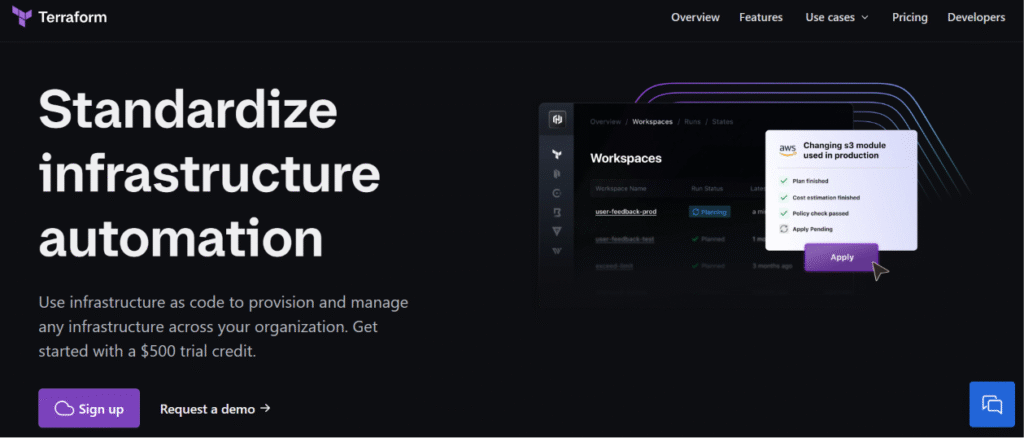
Terraform is one of the most widely adopted Infrastructure as Code (IaC) tools. Instead of manually configuring cloud resources, teams define infrastructure in code, making environments repeatable, version-controlled, and easier to maintain. It’s an ideal choice for startups planning to scale across AWS, Azure, or Google Cloud.
4. Grafana
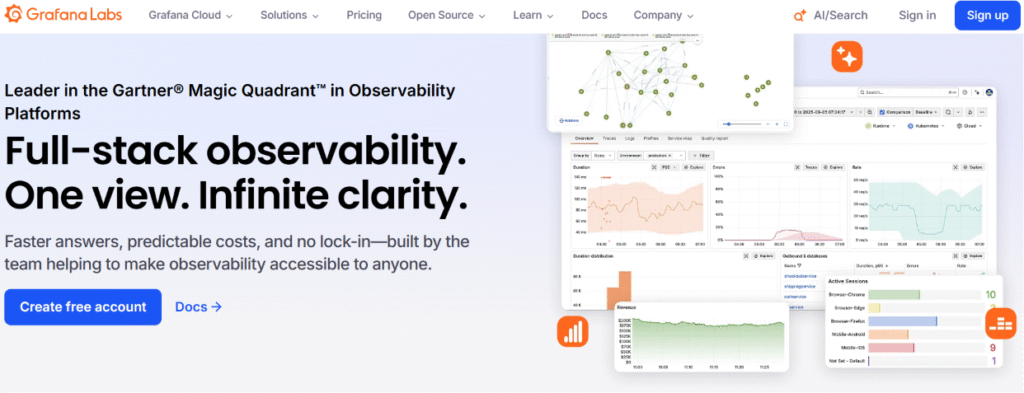
Grafana helps teams monitor applications and infrastructure through customizable dashboards. By bringing together metrics from multiple sources, it gives developers quick visibility into performance issues before they affect users, without requiring a large observability budget.
Best DevOps Tools for Enterprise Organizations
Large organizations need more than automation. They require governance, compliance, scalability, and support for multiple teams working across different environments. These platforms are designed to manage complex DevOps implementation at enterprise scale.
1. Azure DevOps
Azure DevOps offers an integrated suite of services for planning, source control, CI/CD, testing, and artifact management. It’s particularly well suited for organizations already invested in the Microsoft ecosystem and provides strong governance features for regulated industries.
2. Harness

Harness focuses on intelligent software delivery. Its AI-assisted deployment verification, automated rollback capabilities, and release governance help enterprises reduce deployment failures while increasing release frequency.
3. Datadog
Datadog provides full-stack observability by combining infrastructure monitoring, application performance monitoring (APM), logs, traces, and security insights in one platform. It’s particularly valuable for organizations running distributed cloud-native applications.
Best Open-Source DevOps Tools
Organizations looking to reduce licensing costs or avoid vendor lock-in often choose open-source DevOps solutions. Many of today’s most widely used DevOps platforms started as open-source projects and continue to be maintained by large communities.
1. Jenkins
Jenkins remains one of the most flexible continuous integration tools available. With thousands of plugins, it supports nearly every programming language and deployment workflow. While it requires more maintenance than cloud-native alternatives, it’s still a solid choice for highly customized pipelines.
2. Argo CD
Argo CD has become a leading GitOps solution for Kubernetes deployments. It continuously compares the desired state stored in Git with the running environment, automatically detecting and correcting configuration drift.
3. Prometheus
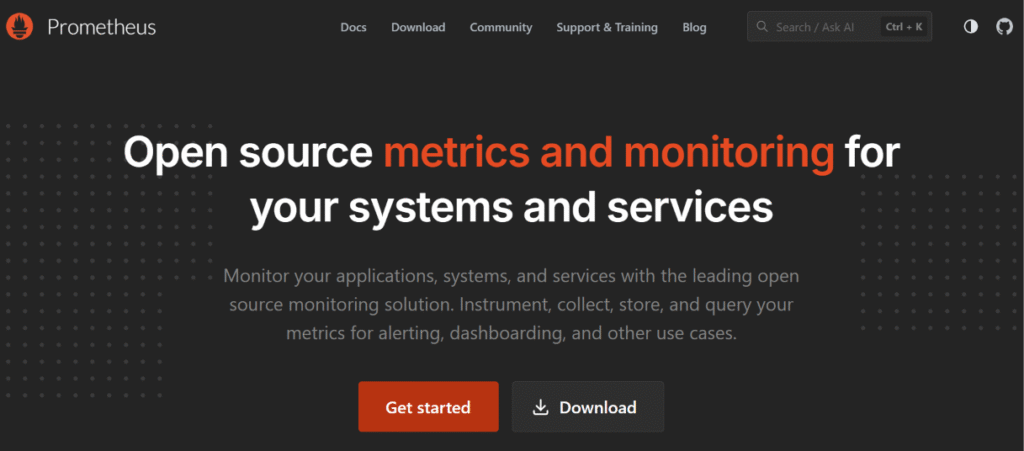
Prometheus is an open-source monitoring tool built for cloud-native applications. Its powerful metrics collection and alerting capabilities make it a popular choice for Kubernetes environments, especially when paired with Grafana dashboards.
4. OpenTofu
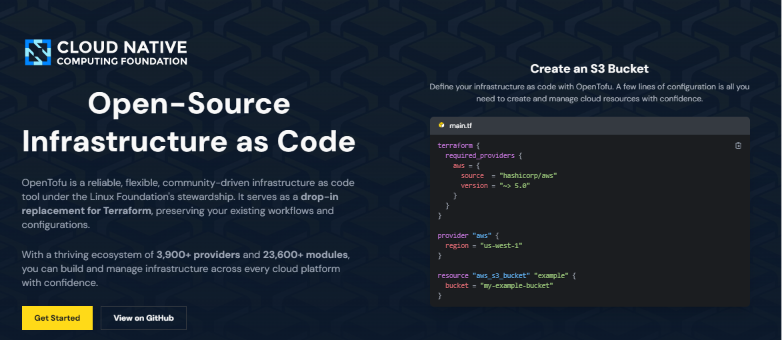
OpenTofu is a community-driven Infrastructure as Code platform created as an open-source alternative to Terraform. It offers similar workflows while providing organizations with greater confidence around licensing and long-term project governance.
Best Tools for Kubernetes Environments
Managing Kubernetes effectively requires more than a container orchestrator. These tools simplify configuration, deployments, monitoring, and day-to-day cluster operations.
1. Argo CD
Argo CD automates Kubernetes deployments using Git as the single source of truth. This GitOps approach improves deployment consistency, simplifies auditing, and reduces manual configuration changes in production clusters.
2. Crossplane

Crossplane extends Kubernetes beyond container orchestration by allowing infrastructure resources such as databases, storage, and networking to be managed alongside applications. This creates a unified platform for both infrastructure and application management.
3. Prometheus
Prometheus remains one of the most trusted monitoring solutions for Kubernetes. Its native integration with the Kubernetes ecosystem makes it ideal for collecting cluster metrics, monitoring resource utilization, and triggering alerts before performance issues become outages.
Best AI-Powered DevOps Platforms
Artificial intelligence is reshaping how engineering teams write code, build infrastructure, and manage deployments. These emerging platforms help automate repetitive work while improving developer productivity and operational efficiency.
1. StackGen
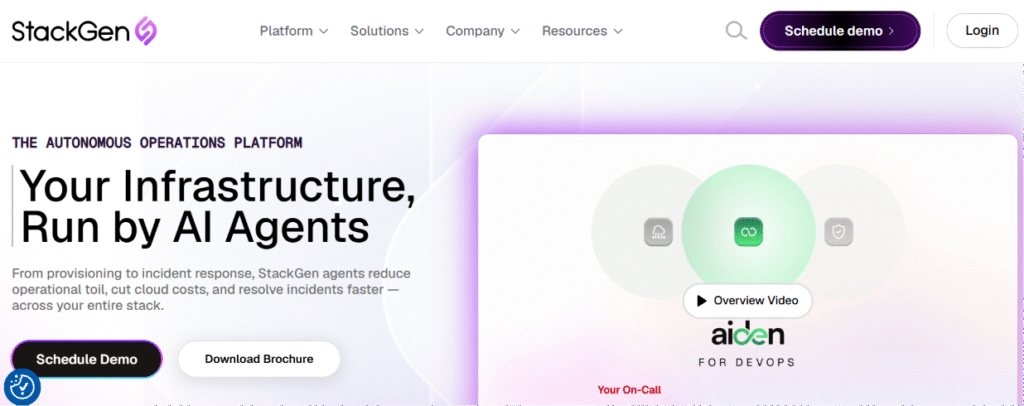
StackGen uses AI to generate production-ready cloud infrastructure and DevOps configurations from natural language prompts. Instead of manually writing infrastructure code, teams can quickly create secure deployment templates that follow engineering best practices.
2. GitHub Copilot
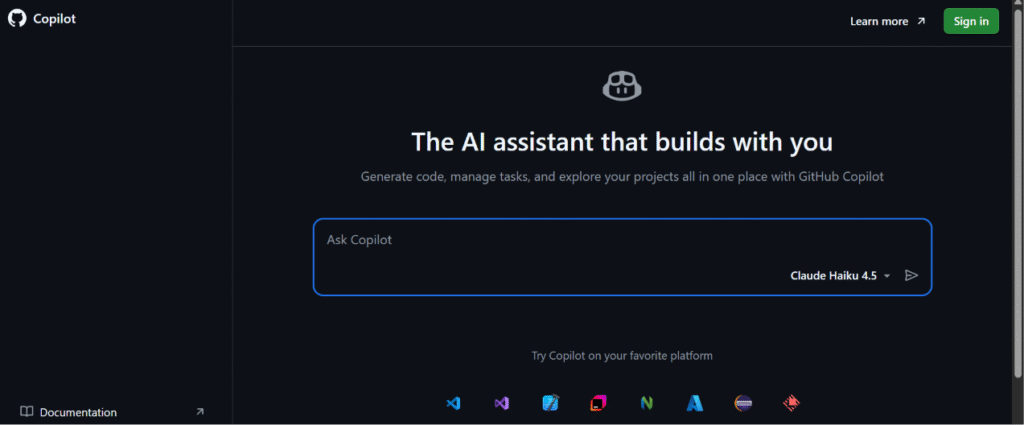
GitHub Copilot assists developers by generating code, explaining unfamiliar functions, and suggesting improvements during development. It also helps write scripts, workflow files, and automation tasks, making it a valuable productivity tool throughout the DevOps lifecycle.
3. Cursor

How to Choose the Right DevOps Tools
Before investing in a new DevOps tool, step back and evaluate how it fits into your existing workflow. The goal isn’t to build the biggest DevOps tools list it’s to create a connected ecosystem that improves developer productivity and operational reliability.
Ask yourself:
- Will this tool integrate with our existing version control, CI/CD, and cloud platforms?
- Does it eliminate manual work or introduce additional complexity?
- Can it scale as our engineering team and deployment frequency grow?
- Does it meet our security, compliance, and governance requirements?
- How steep is the learning curve for developers and platform engineers?
- What’s the total cost of ownership, including licensing, maintenance, and training?
- Is there an active community, reliable documentation, and long-term vendor support?
The right DevOps tools should make software delivery simpler. Focus on platforms that integrate well, automate repetitive work, and support your team’s long-term engineering goals rather than chasing every new technology.
Common Mistakes Teams Make When Selecting DevOps Tools
Even the best DevOps tools in 2026 won’t improve software delivery if they’re poorly chosen or implemented. Here are the most common mistakes to avoid when building a modern DevOps toolchain.
Choosing too many tools
Using various DevOps tools for every task often creates more complexity than value.
- Prioritize an integrated DevOps pipeline over a long DevOps tools list.
- Reduce duplicate features across your stack.
- Standardize tools where possible to simplify maintenance and training.
Ignoring integrations
A DevOps tool should work seamlessly with the rest of your workflow.
Before choosing a platform, check that it integrates with:
- Version control tools
- CI/CD pipelines
- Your configuration management tool
- Testing tool and monitoring platforms
- Collaboration and communication tools
Planning for today not tomorrow
The right platform should support your business as it grows.
Consider whether it can:
- Scale with your DevOps team
- Support hybrid or multi-cloud environments
- Handle higher deployment volumes
- Meet future governance requirements
Focusing on features instead of outcomes
Don’t compare tools by feature count alone. The best DevOps tools help your organization:
- Automate repetitive work
- Improve collaboration between DevOps and IT operations
- Shorten release cycles
- Reduce deployment failures
- Support consistent implementing DevOps tools and best practices
This approach aligns with Google’s DORA Accelerate State of DevOps Report, which shows high-performing DevOps teams consistently achieve better software delivery performance and operational stability than low-performing teams.
Cost Considerations When Building a DevOps Toolchain
The purchase price of a tool is only one part of the equation. Building an effective DevOps toolchain requires balancing licensing costs with implementation effort, maintenance, training, and long-term operational value. Looking beyond subscription pricing helps organizations avoid unexpected expenses as their engineering teams grow.
Look beyond software licensing
Commercial platforms often include enterprise support, governance, and advanced security features, while open-source alternatives reduce licensing costs but may require more internal expertise.
When comparing options, consider:
- Subscription fees
- Infrastructure hosting costs
- Storage and data retention
- API usage charges
- Premium support plans
The lowest-priced tool isn’t always the most cost-effective over time.
Account for implementation and migration costs
Replacing an existing platform involves more than installing new software.
Common migration expenses include:
- Pipeline redesign
- Data migration
- User training
- Documentation updates
- Integration development
- Temporary productivity loss during rollout
These hidden costs can sometimes exceed the software license itself.
Evaluate the total cost of ownership
A better approach is to compare the total cost of ownership (TCO) over three to five years.
Include factors such as:
- Infrastructure maintenance
- Vendor support
- Internal administration
- Security management
- Compliance reporting
- Future scalability
A platform that automates repetitive work may cost more upfront but save hundreds of engineering hours every year.
Don’t overlook operational efficiency
Modern DevOps tools to improve software delivery often justify their investment through productivity gains rather than direct cost savings.
For example, automation can help teams:
- Deploy more frequently
- Recover from incidents faster
- Reduce manual infrastructure changes
- Minimize production downtime
- Improve developer satisfaction
Industry trends reflect this shift in priorities. Gartner continues to report growing enterprise investment in automation, cloud platforms, and developer productivity because organizations increasingly view software delivery as a competitive advantage rather than simply an IT function. Likewise, Flexera’s State of the Cloud Report consistently ranks cloud cost optimization among the highest priorities for IT leaders, highlighting why organizations should evaluate operational efficiency alongside licensing costs when comparing DevOps platforms.
Open source versus commercial platforms
Both approaches have advantages.
Open-source tools typically offer:
- Lower upfront costs
- Greater flexibility
- Strong community support
- Reduced vendor lock-in
Commercial platforms often provide:
- Dedicated support
- Built-in governance
- Advanced security capabilities
- Enterprise integrations
- Faster onboarding
The right choice depends on your team’s experience, internal resources, and long-term business objectives.
Build a DevOps stack that actually scales
Compliance, Security, And Governance Considerations
Modern DevOps tools should should also help protect your applications, infrastructure, and data. As your DevOps team grows, building security and governance into your workflow becomes just as important as improving delivery speed.
Build security into every pipeline
Rather than adding security at the end of development, choose tools that integrate it throughout your DevOps pipeline.
Look for features such as:
- Automated vulnerability scanning
- Secret detection
- Dependency and container image scanning
- Infrastructure policy validation
- Built-in security testing
Strengthen identity and access controls
Your tools should help prevent unauthorized changes while supporting secure collaboration.
Key capabilities include:
- Role-based access control (RBAC)
- Single sign-on (SSO)
- Multi-factor authentication (MFA)
- Audit logs
- Granular user permissions
Support compliance by design
If your organization operates in a regulated industry, choose DevOps tools for your organization that simplify compliance instead of adding manual work.
Look for support for standards such as:
- SOC 2
- ISO 27001
- GDPR
- HIPAA
- PCI DSS
Built-in policy enforcement and reporting can significantly reduce audit preparation time.
Monitor continuously after deployment
Security doesn’t stop once an application is live. A good monitoring tool combined with log management tools helps detect issues before they become outages or security incidents.
Monitor:
- Infrastructure health
- Application performance
- User activity
- Configuration drift
- Threats and suspicious behavior
This proactive approach is increasingly important. IBM’s Cost of a Data Breach Report 2024 found that the average global data breach cost reached $4.88 million, while Verizon’s 2024 Data Breach Investigations Report (DBIR) continues to identify stolen credentials and exploited vulnerabilities as leading causes of breaches.
Ready To Build A Smarter DevOps Toolchain?
Selecting the best DevOps tools in 2026 isn’t about following trends or choosing the platform with the longest feature list. It’s about building an ecosystem that supports your team’s workflows, scales with your business, and makes software delivery faster, safer, and easier to manage.
Whether you’re evaluating your first CI/CD platform, modernizing legacy infrastructure, or comparing the latest DevOps tools for your organization, focus on solutions that integrate well, automate repetitive tasks, and support long-term engineering goals. The strongest toolchains aren’t built from the most software—they’re built from the right combination of tools working together.
If you’re planning a DevOps transformation or need expert guidance on selecting, integrating, or optimizing your DevOps stack, the team at CDOps Tech can help. We work with organizations to design scalable DevOps strategies, implement modern platforms, and streamline software delivery using proven tools and best practices.
Ready to improve your DevOps pipeline? Contact CDOps Tech today to discuss your goals and discover the right solution for your team.