
Flexible CI/CD Pipeline Pricing for Your Applications
For companies looking to automate software delivery, getting the CI/CD foundation right early can prevent manual deployment work, inconsistent processes, and release bottlenecks later. CDOps Tech helps you establish reliable CI/CD pipelines that automate builds, testing, security checks, and deployments across your applications.
Whether you are starting with a single application or managing multiple applications across environments, choose a package based on your pipeline complexity and deployment requirements, with clear pricing for setup, standard pipelines, and advanced workflows.
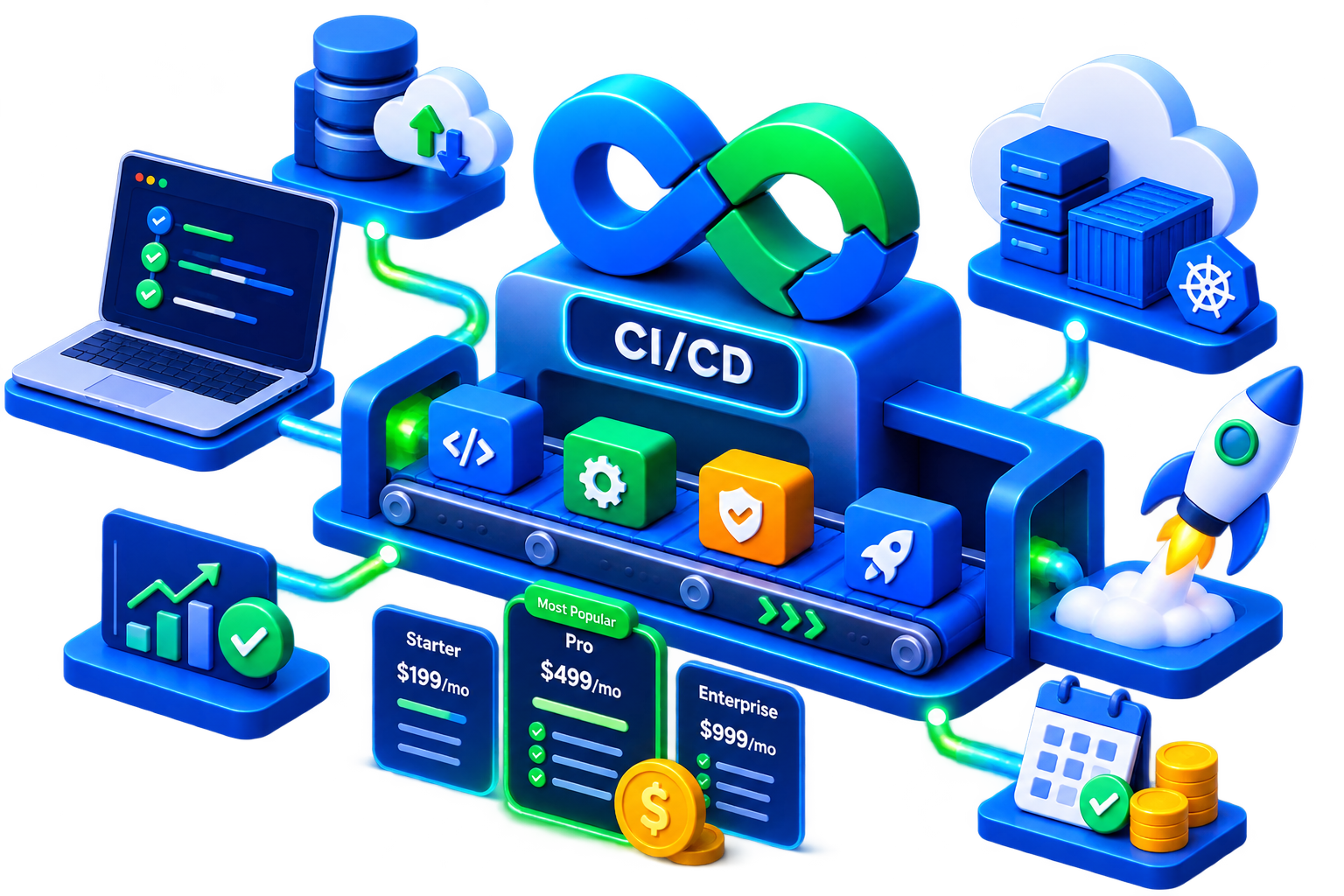
Where Are You With CI/CD?
Choose the approach that matches your application delivery process, deployment requirements, and CI/CD maturity.
We're setting up CI/CD from scratch.
You have applications ready to deploy and need a reliable CI/CD foundation to automate builds, testing, and deployments without adding unnecessary complexity.
We're automating our standard deployments.
You have straightforward applications and want to replace manual build, test, and deployment steps with consistent, repeatable pipelines.
Our deployments need more control.
You have complex applications or production workflows that require security scanning, database migrations, multiple environments, approvals, or other deployment controls.
✦ CI/CD PIPELINE PRICING
Automate Application Delivery With the Right CI/CD Setup
Start with a one-time CI/CD platform setup, then automate individual applications with standard or advanced pipelines. Choose the option that fits your application delivery needs.
Core Framework Setup
Establish the CI/CD foundation your team can use to build and automate application delivery.
$1,500 USD One-time platform setup
- Initial CI/CD platform configuration
- GitHub Actions, GitLab CI, or similar
- Secure secret management
- Reusable pipeline templates
- Foundation for future pipelines
Standard Pipeline
Automate straightforward application delivery with a simple Build → Test → Deploy workflow.
$250 USD Per pipeline
- Automated application build
- Automated testing
- Deployment to 1 environment
- Reusable pipeline configuration
- Standard deployment workflow
Advanced Pipeline
Add additional stages and controls for applications with complex deployment and production requirements.
$600 USD Per pipeline
- Everything in Standard Pipeline
- Security scanning
- Database migration stages
- Multi-environment deployments
- Deployment controls
BEST VALUE · FAST-START BUNDLE
Get Your CI/CD Foundation + 5 Applications Automated
Get the Core Framework Setup together with up to 5 Standard Pipelines. A practical starting point for teams ready to automate multiple applications.
- Core Framework Setup
- Up to 5 Standard Pipelines
- Secure Secret Management
- Reusable Pipeline Templates
GET STARTED
Let's Discuss Your CI/CD Requirements
Tell us a little about your team and we'll get in touch to discuss the right CI/CD setup for your applications.
ENQUIRY RECEIVED
Thanks! We've received your enquiry.
Your CI/CD requirements have been submitted successfully. Our team will review your details and get in touch with you shortly.
SUBMISSION ERROR
We couldn't submit your enquiry.
Something went wrong while submitting your details. Please try again. If the problem continues, you can contact our team directly.
What Better CI/CD Means for Your Business
A well-structured CI/CD workflow reduces the manual effort behind software delivery and gives your teams a more consistent way to build, test, and release applications.
Release Faster
Automate repetitive build, testing, and deployment steps so your team can move changes from development to production with less manual intervention.
Reduce Deployment Errors
Replace inconsistent manual processes with repeatable pipelines that execute the same steps every time.
Keep Releases Consistent
Standardize how applications are built, tested, and deployed across teams and environments.
Reduce DevOps Overhead
Automate routine delivery tasks without the cost of adding a dedicated DevOps engineer for every application or team.
Scale Application Delivery
Use reusable pipeline patterns to bring new applications into your delivery workflow without starting from scratch each time.
Add Control to Production Releases
Build testing, security checks, approvals, and environment controls into the deployment process where your applications require them.
From Setup to Automated Deployments
We take your CI/CD implementation from initial assessment to a working deployment workflow, with each stage built around your application and environment.
Assess
We review your application, repository, current deployment process, environments, and CI/CD requirements.
Configure
We configure your CI/CD platform, secrets management, integrations, and reusable pipeline templates.
Build
We implement the pipeline around your application's build, testing, security, and deployment requirements.
Validate
We run the workflow, validate deployments, and resolve configuration or pipeline issues.
Handover
Your team receives a working, repeatable CI/CD workflow that can be used and extended for future applications.
Frequently Asked Questions
Direct answers to the commercial, technical, and operational questions businesses ask before implementing CI/CD pipelines with CDOps Tech.
Why should we work with CDOps Tech instead of building CI/CD pipelines internally?
You get a structured CI/CD foundation without the time and operational overhead of building it from scratch. CDOps Tech configures your chosen CI/CD platform, establishes secure secret management, creates reusable pipeline templates, and implements pipelines around your existing development and deployment workflow.
How quickly can we get our CI/CD pipelines up and running?
The timeline depends on the complexity of your setup and the number of applications being automated. We can start with the core CI/CD framework and then implement standard or advanced pipelines based on your application requirements, allowing teams to automate delivery incrementally rather than redesigning their entire development process at once.
Which CI/CD tools and platforms do you support?
We can configure commonly used CI/CD platforms such as GitHub Actions and GitLab CI. The setup is built around your existing development workflow and requirements, with reusable pipeline templates that can be applied across applications.
What's included in the Core Framework Setup?
The $1,500 one-time setup establishes the foundation for your CI/CD environment. This includes configuring your chosen CI/CD tool, setting up secure secret management, and creating reusable pipeline templates that can be used when implementing pipelines for individual applications.
What's the difference between a Standard and Advanced Pipeline?
A Standard Pipeline covers straightforward Build → Test → Deploy workflows, while an Advanced Pipeline supports more complex delivery requirements. Standard Pipelines are $250 each and deploy to one environment. Advanced Pipelines are $600 each and can include security scanning, database migrations, and multi-environment deployments.
Do we need the Core Framework Setup before purchasing a pipeline?
The Core Framework Setup is designed to establish the foundation for your pipelines. It provides the CI/CD platform configuration, secure secret management, and reusable templates needed to build pipelines consistently across applications.
What is included in the Fast-Start Bundle?
The $2,000 Fast-Start Bundle combines the Core Framework Setup with up to five Standard Pipelines. It gives teams a ready-to-use CI/CD foundation and automates delivery for up to five applications, making it suitable for companies looking to get multiple applications onto automated pipelines.
Will CI/CD change how our developers work?
The goal is to automate repetitive delivery steps while fitting into your existing development workflow. Pipelines can automate builds, testing, and deployments so developers have a consistent process for moving code from development toward the required environment.
Can you work with our existing applications and infrastructure?
Yes. The pipeline approach is based on your application's build, testing, deployment, and environment requirements. During the initial discussion, we assess your current setup and determine whether a Standard or Advanced Pipeline is the appropriate fit.
Do we need to automate all our applications at once?
No. You can start with a single pipeline and expand as needed. The reusable templates established during the Core Framework Setup make it easier to apply a consistent CI/CD approach across additional applications.
Can you implement security checks as part of the CI/CD pipeline?
Yes, where required. Security scanning is included as part of the Advanced Pipeline option, alongside other stages such as database migrations and multi-environment deployments.
What happens if a pipeline build or deployment fails in production?
We build failure resiliency directly into every deployment pipeline. If automated health checks or integration tests fail post-deployment, the pipeline automatically halts and triggers a zero-downtime rollback to the previous stable release while alerting your engineering team on Slack or Teams.
Who owns the pipeline code and configuration files after setup?
You own 100% of the pipeline code. All workflows, Dockerfiles, and deployment scripts are committed directly into your private Git repositories as code (YAML/HCL). There is zero vendor lock-in, proprietary software, or third-party license required to maintain your setup.
How do you keep our production keys and database credentials secure during pipeline execution?
Secrets are never hardcoded or exposed in plain text. We configure industry-standard secret management solutions—such as GitHub/GitLab Encrypted Secrets, AWS Secrets Manager, HashiCorp Vault, or GCP Secret Manager—ensuring credentials are injected dynamically at runtime with strict least-privilege permissions.
Can pipelines notify our team on Slack, Microsoft Teams, or email?
Yes. Every pipeline can be configured to send real-time status alerts (build success, deployment failure, security warnings, and approval requests) directly into your designated Slack or Teams channels so your developers never have to monitor logs manually.
Can you configure pipelines to spin up temporary preview environments for Pull Requests?
Yes. Under our Advanced Pipeline structure, we can implement ephemeral environments (using Docker, Kubernetes namespaces, or Vercel/AWS previews) that automatically spin up an isolated staging URL when a developer opens a Pull Request and tear it down once merged.
Not Sure Where to Start?
Book a call with our cloud and DevOps team.
We’ll discuss your current setup, challenges, and goals, and help you determine the right next step.
